IPTV Smarters Player Lite: A Complete Guide
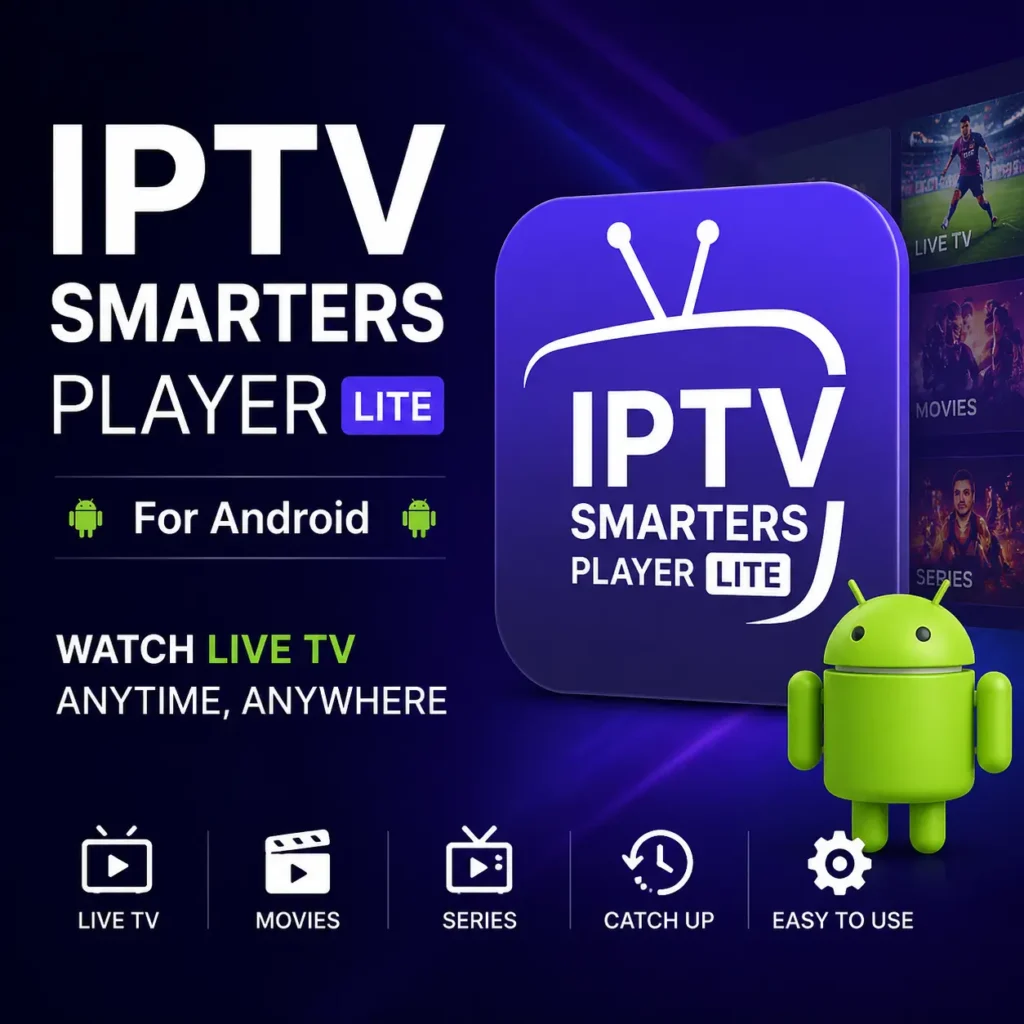
IPTV Smarters Player Lite is one of the most popular IPTV player applications for Android devices. It allows users to stream live TV channels, movies, and series from their IPTV service provider using M3U playlists or Xtream Codes credentials. In this guide, we’ll explore its features, supported devices, installation process, and setup instructions.
What Is IPTV Smarters Player Lite?
IPTV Smarters Player Lite is a media player and not a content provider. This is an important distinction: the app itself does not include any channels, movies, or shows. Instead, it acts as a player that loads content from a subscription you purchase separately from an IPTV service provider. You enter your login details (or upload a playlist), and the app organizes and streams whatever content your provider offers.
The “Lite” branding reflects its smaller footprint and reduced feature set compared to the full Pro version. It uses fewer device resources, loads quickly, and runs smoothly even on lower-end hardware.
IPTV Smarters Player Lite does not provide any channels, movies, or subscriptions. Users must have their own IPTV service provider credentials.
How To Download IPTV Smarters Player Lite?
Key Features
- Live TV streaming — Watch live channels with electronic program guide (EPG) support, so you can see what’s currently playing and what’s coming up next.
- Video on Demand (VOD) — Access movies and TV series libraries provided by your IPTV service.
- Multiple login methods — Sign in using Xtream Codes API credentials, an M3U playlist URL, or by loading a playlist file.
- Clean, intuitive interface — A simple layout that’s easy to navigate, even for first-time users.
- Multi-screen support — Runs on Android phones and tablets, Android TV, Amazon Fire TV/Firestick, and other compatible platforms.
- Catch-up TV — Where supported by the provider, rewatch previously aired programs.
- External player support — Option to play content through external players like VLC or MX Player for added codec compatibility.
- Favorites and search — Mark favorite channels and quickly search for content..
How To Buy ?
Supported Devices
IPTV Smarters Player Lite is available across a wide range of platforms, including:
- Android smartphones and tablets
- Android TV boxes and smart TVs
- Amazon Firestick and Fire TV
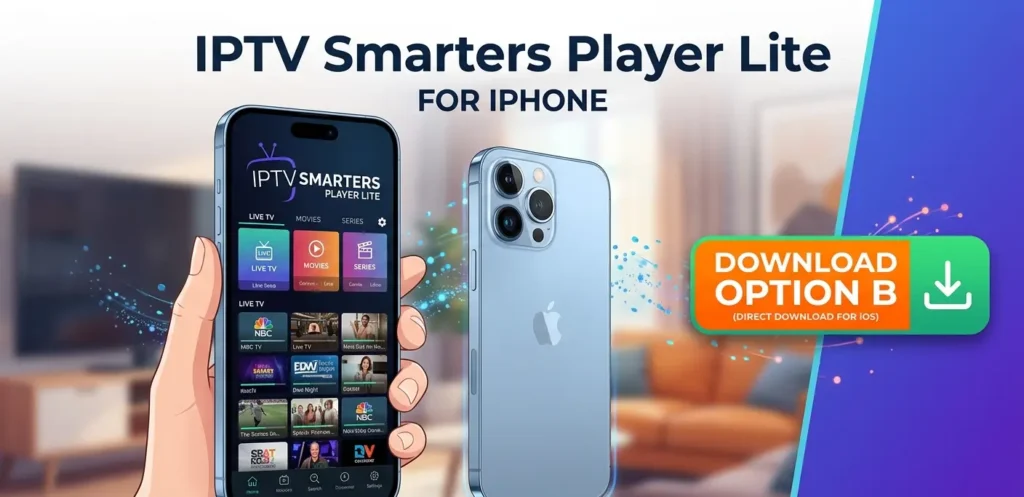
- iOS devices (iPhone and iPad)
- Windows and macOS computers
This cross-platform availability makes it convenient for households that use multiple devices.
How to Set It Up
Getting started with IPTV Smarters Player Lite is straightforward:
- Download and install the app from your device’s official app store (Google Play, Apple App Store, or Amazon App Store), or from the developer’s official website.
- Open the app and choose your preferred login method.
- Enter your credentials — Depending on what your IPTV provider gave you, this could be a username, password, and server URL (Xtream Codes), or an M3U playlist link.
- Wait for the content to load — The app will pull in your channel list, EPG, and VOD libraries.
- Start watching — Browse categories, pick a channel or movie, and stream.
Lite vs. Pro: What’s the Difference?
The main differences come down to features and resource usage. The Pro version typically includes more advanced options such as parental controls, multi-screen viewing, additional customization, and built-in download or recording capabilities. The Lite version trims these extras to deliver a faster, lighter experience focused purely on streaming. If you want a quick, simple player, Lite is ideal. If you need advanced features, Pro is the better fit.
A Note on Legality and Content
IPTV Smarters Player Lite is a legitimate, legal application — it is simply a media player. However, the legality of what you stream depends entirely on your IPTV service provider. Always use the app with a legal, properly licensed IPTV subscription. Using it with unauthorized services that redistribute copyrighted content without permission may be illegal in your region. Choose reputable, licensed providers to stay on the right side of the law.
Conclusion
IPTV Smarters Player Lite is an excellent choice for anyone seeking a fast, clean, and easy-to-use IPTV player without unnecessary complexity. Its broad device support, simple setup, and lightweight performance make it especially appealing for casual users and those running older hardware. Just remember: the app is only as good as the IPTV subscription you pair it with, so always opt for a reliable and legal service provider.
7. FAQ Section Missing
SEO ke liye zaroor add karein.
FAQ Examples
Is IPTV Smarters Player Lite free?
Yes, IPTV Smarters Player Lite is free to download and use.
Does IPTV Smarters Player Lite provide channels?
No, it does not provide content. Users need an IPTV subscription.
Is IPTV Smarters Lite available for Android TV?
Yes, it works on Android TV devices.
Can I use M3U playlists?
Yes, IPTV Smarters Lite supports M3U playlists.
For more information about IPTV Smarters Player Lite, visit the official IPTV Smarters website. Official IPTV Smarters Website